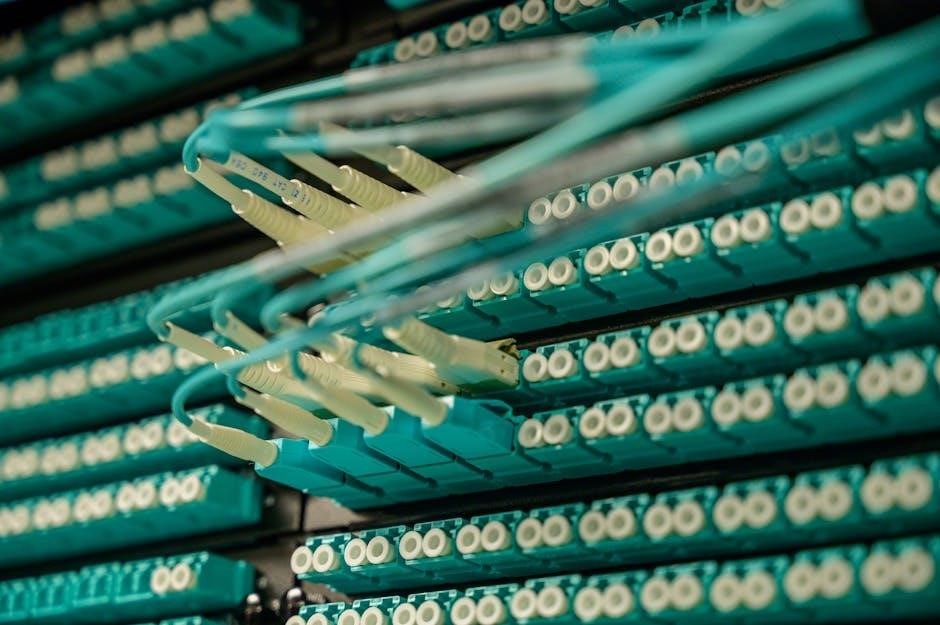
Ethernet, a foundational technology, connects devices within local networks, forming the bedrock of modern internet infrastructure.
Understanding Ethernet cable wiring is crucial for reliable data transmission, ensuring seamless connectivity for homes and businesses.
Proper cabling guarantees optimal network performance and minimizes potential disruptions, enabling efficient communication between devices.
What is Ethernet?
Ethernet represents a family of computer networking technologies standardized by IEEE 802.3. Initially conceived by Xerox and collaboratively developed with Intel and DEC, it’s now the dominant Local Area Network (LAN) technology globally. At its core, Ethernet defines how networked devices communicate, utilizing a standardized protocol for data transmission.
Crucially, Ethernet isn’t the internet itself, but rather a fundamental component of it. The internet connects devices worldwide, requiring both physical (hardware) and software connections. Ethernet provides that essential physical layer within a local network, enabling devices to connect to a router or switch, which then links to the broader internet.
Different Ethernet standards exist, dictating speed and cabling requirements – from older 10BASE-T to modern Gigabit Ethernet and beyond. Understanding these standards is vital when planning and implementing network cabling, ensuring compatibility and optimal performance.
The Importance of Proper Wiring
Proper Ethernet cable wiring is paramount for a stable and efficient network. Incorrect wiring can lead to a multitude of issues, ranging from intermittent connectivity and slow data transfer speeds to complete network outages. Signal degradation, caused by loose connections or improper cable termination, significantly impacts performance.
Adhering to established wiring standards – specifically T568A or T568B – ensures compatibility and minimizes signal interference. Using a quality crimping tool and verifying connections with a cable tester are essential steps. Even a single incorrectly wired pair can disrupt the entire network.
Furthermore, physical cable damage, such as kinks or breaks, can compromise signal integrity. Careful handling and protection of cables are crucial. Investing time and effort in correct wiring upfront saves significant troubleshooting time and ensures a reliable network foundation.

Understanding Ethernet Cable Types
Ethernet cables vary in performance, categorized by ‘Cat’ ratings – Cat5e, Cat6, Cat6a, Cat7, and Cat8 – each supporting different speeds and bandwidths for optimal networking.
Cat5e Cables: Common Uses and Limitations
Cat5e cables are a widely utilized standard, commonly found in homes and offices for networking purposes. They effectively support Fast Ethernet (100 Mbps) and Gigabit Ethernet (1000 Mbps) over shorter distances, making them suitable for typical internet access and local network connections. However, Cat5e cables have limitations.
While capable of Gigabit speeds, they are more susceptible to interference and signal degradation over longer cable runs – generally recommended maximum length is 100 meters (328 feet).
This can lead to reduced performance and unreliable connections.
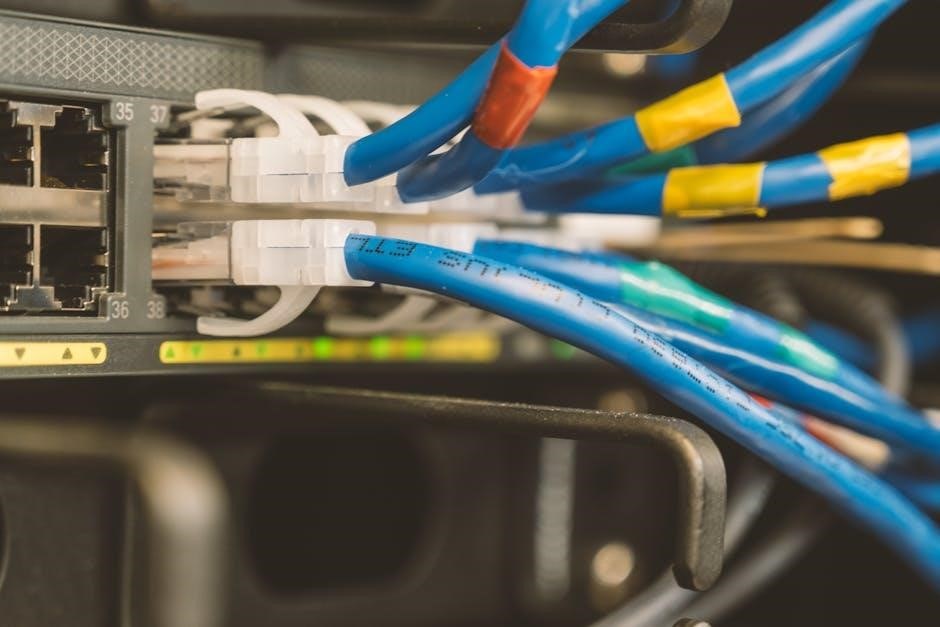
Furthermore, Cat5e cables aren’t ideal for bandwidth-intensive applications like 4K video streaming or large file transfers, especially over extended distances.
For newer, demanding network requirements, upgrading to Cat6 or higher is often recommended to ensure optimal performance and future-proofing. Despite these limitations, Cat5e remains a cost-effective solution for many basic networking needs.
Cat6 Cables: Enhanced Performance for Gigabit Ethernet
Cat6 cables represent a significant improvement over Cat5e, designed to deliver enhanced performance, particularly for Gigabit Ethernet (1000 Mbps) networks. They feature tighter twists and a thicker shield, minimizing crosstalk and interference – key factors impacting data transmission reliability. This results in more stable and faster connections, even over longer distances compared to Cat5e.
Cat6 cables are capable of supporting 10 Gigabit Ethernet (10 Gbps) over shorter runs, typically up to 55 meters (180 feet), making them a viable option for future-proofing networks. They are ideal for environments demanding high bandwidth, such as streaming high-definition video, online gaming, and transferring large files.
While slightly more expensive than Cat5e, the improved performance and future-readiness of Cat6 often justify the investment for modern networking applications. Proper installation and termination are crucial to realize the full potential of Cat6 cabling.
Cat6a Cables: Further Improvements for 10 Gigabit Ethernet
Cat6a cables build upon the foundation of Cat6, offering even greater performance and reliability, specifically designed to fully support 10 Gigabit Ethernet (10 Gbps) over the full 100-meter (328 feet) distance. The “a” signifies “augmented,” denoting enhanced specifications to combat alien crosstalk and system noise – interference from adjacent cables.
They achieve this through even tighter twists, more robust shielding, and higher-quality materials. This makes Cat6a the preferred choice for demanding network environments where consistent 10 Gigabit speeds are essential, such as data centers, server rooms, and high-bandwidth applications.
While more expensive than Cat6, Cat6a provides a significant performance boost and ensures compatibility with current and future networking standards. Careful installation and quality connectors are vital to unlock the full capabilities of Cat6a cabling.
Cat7 and Cat8 Cables: Future-Proofing Your Network
Cat7 and Cat8 cables represent the cutting edge of Ethernet cabling, designed for exceptionally high bandwidth and future network demands. Cat7 supports up to 10 Gigabit Ethernet over 100 meters, utilizing shielded twisted pair (STP) construction for superior noise reduction. It requires specialized GG45 connectors, differing from standard RJ45.
Cat8 takes performance even further, capable of supporting 25 and 40 Gigabit Ethernet over shorter distances – typically up to 30 meters. It features even more robust shielding and tighter specifications to minimize interference. While currently less common, Cat8 is ideal for data centers and environments anticipating extreme bandwidth needs.
Investing in Cat7 or Cat8 provides significant future-proofing, ensuring your network infrastructure can handle evolving technologies. However, the higher cost and specialized components should be considered.
Essential Tools for Ethernet Cable Wiring
Crimping tools, cable testers, wire strippers, and punch down tools are vital for successful Ethernet cable installation and maintenance, ensuring reliable connections.
Crimping Tool: The Core of Cable Termination
The crimping tool is arguably the most essential instrument in Ethernet cable wiring, responsible for securely attaching the RJ45 connector to the cable’s end. This process involves pressing the connector’s metal contacts into the wires, establishing a solid electrical connection. A quality crimping tool ensures each pin makes consistent contact, preventing signal loss and ensuring reliable data transfer.
Different crimping tools exist, some designed for specific connector types or cable gauges. It’s crucial to select a tool compatible with the RJ45 connectors and the Ethernet cable (Cat5e, Cat6, etc.) being used. Proper technique is also vital; inserting the cable fully into the connector before crimping, and applying firm, even pressure are key to a successful termination. A poorly crimped connection can lead to intermittent connectivity or complete network failure, highlighting the tool’s importance.
Cable Tester: Verifying Connectivity
A cable tester is an indispensable tool for confirming the integrity of your Ethernet cable wiring after termination. It verifies that all eight wires are correctly connected, and that there are no shorts or open circuits within the cable. These testers send a signal through each wire and confirm its arrival at the other end, providing a clear indication of a successful connection.
There are various types of cable testers, ranging from simple continuity testers to more advanced models that can measure cable length and identify wiring faults. Using a cable tester saves significant troubleshooting time, preventing frustrating issues caused by improperly wired cables. It’s a crucial step to ensure optimal network performance and reliable data transmission, especially in complex installations. Always test your cables before deploying them in a live network environment.
Wire Stripper: Preparing Cables for Connection
A quality wire stripper is essential for precisely removing the outer jacket of the Ethernet cable without damaging the delicate internal wires. Incorrect stripping can nick or cut the conductors, leading to signal degradation and unreliable network performance. Look for a stripper designed specifically for Ethernet cables, featuring adjustable blades to accommodate different cable types and gauges.
The goal is to remove only the outer jacket, exposing approximately one inch of the twisted pair wires. Avoid stripping too much insulation, as this can create a weak point in the cable. A clean, precise strip is crucial for a secure and reliable connection within the RJ45 connector. Proper preparation minimizes interference and ensures optimal data transmission speeds.
Punch Down Tool: For Wall Jack Termination
When terminating Ethernet cables to wall jacks or patch panels, a punch down tool is indispensable. This specialized tool firmly seats each individual wire into the designated slot on the connector, establishing a secure and lasting electrical connection. It simultaneously trims the excess wire, ensuring a neat and professional finish.
Using the correct blade on the punch down tool is vital to avoid damaging the connector or the wires themselves. Apply consistent pressure and ensure each wire is fully seated; a loose connection will cause network instability. Proper technique guarantees reliable signal transmission and prevents intermittent connectivity issues. Mastering this tool is key for creating robust and long-lasting network infrastructure.
Ethernet Wiring Standards: T568A vs. T568B
T568A and T568B are wiring schemes defining the color arrangement of Ethernet cable wires; Choosing one and maintaining consistency is vital for proper network functionality and performance.
T568A Wiring Scheme: Detailed Color Code
The T568A wiring standard dictates a specific color sequence for the eight wires within an Ethernet cable. This precise order is critical for ensuring proper signal transmission and network connectivity. Following the scheme meticulously avoids performance issues and potential network disruptions.
Here’s the detailed color code, starting from the leftmost pin when facing the connector with the clip facing away:
- Green/White
- Green
- Orange/White
- Blue
- Blue/White
- Orange
- Brown/White
- Brown
Adhering to this sequence guarantees compatibility and optimal performance when connecting devices. Incorrect wiring can lead to intermittent connections or a complete lack of network access. Double-checking the color arrangement before crimping is highly recommended.
T568B Wiring Scheme: Detailed Color Code
The T568B wiring standard presents an alternative color sequence for Ethernet cable termination, widely used for its compatibility and ease of implementation. Like T568A, precise adherence to this color code is paramount for reliable network performance and avoiding connectivity issues. Maintaining the correct order ensures optimal signal transmission between networked devices.
Here’s the detailed color code, viewed with the connector clip facing away:
- Orange/White
- Orange
- Green/White
- Blue
- Blue/White
- Green
- Brown/White
- Brown
Using T568B consistently throughout a network is crucial. Mixing standards can cause significant connectivity problems. Careful verification of the color arrangement before crimping is essential for a stable and functional network connection.
Choosing Between T568A and T568B
Selecting between T568A and T568B wiring schemes often presents a dilemma. While both function effectively, consistency is key – choose one and adhere to it throughout your entire network installation. Historically, T568B gained popularity due to its compatibility with older telephone wiring, making it a common default choice for many installers.
However, T568A offers slightly better performance in some scenarios due to reduced crosstalk. In modern installations, the difference is often negligible. The most important factor is avoiding a mix of standards. Using a straight-through cable (both ends wired identically) is typical for connecting devices directly, while crossover cables (one end A, the other B) were previously used for direct device-to-device connections, though auto-MDIX has largely eliminated the need for them.
Step-by-Step Ethernet Cable Wiring Guide
Creating reliable Ethernet connections requires precision. Carefully strip the cable jacket, arrange wires according to your chosen standard, and securely crimp the RJ45 connector for optimal results.
Preparing the Cable Jacket and Wires
Begin by carefully stripping the outer jacket of the Ethernet cable, typically using a wire stripper tool. Exercise caution to avoid nicking or damaging the internal wires, as this can compromise signal integrity. A common technique involves scoring the jacket with the stripper and then gently peeling it back, exposing approximately one inch of the twisted pair wires.
Next, untwist the twisted pairs, being mindful not to completely unravel them. The goal is to expose enough of each wire to facilitate insertion into the RJ45 connector. Avoid excessive straightening or stretching of the wires, as this can also negatively impact performance. Carefully inspect each wire for any breaks or damage, and if found, trim the affected wire back to a healthy section. Proper preparation is paramount for a successful and reliable Ethernet connection.
Arranging the Wires in the Correct Order
Crucially, arranging the wires according to either the T568A or T568B wiring standard is paramount for a functioning Ethernet connection. These standards dictate the precise color sequence of the eight wires within the RJ45 connector. Lay the wires side-by-side, ensuring they are flat and parallel, ready for insertion.
Carefully follow the chosen standard’s color code – either T568A (Green/White, Green, Orange/White, Blue, Blue/White, Orange, Brown/White, Brown) or T568B (Orange/White, Orange, Green/White, Blue, Blue/White, Green, Brown/White, Brown). Maintaining this order is vital; any deviation will result in a non-functional cable. Double-check the arrangement before proceeding to the next step, ensuring accuracy and consistency.
Crimping the RJ45 Connector
With the wires meticulously arranged and inserted fully into the RJ45 connector, it’s time to crimp. Insert the connector into the crimping tool’s RJ45 port, ensuring it’s seated correctly. Apply firm, consistent pressure to the tool’s handles, fully compressing the connector’s gold-plated contacts into the wires.
Release the pressure slowly, and carefully remove the connector from the tool. Inspect the crimped connector; all eight wires should be securely pierced by the gold contacts, and the connector’s latch should engage properly. A successful crimp provides a robust, reliable connection. If the crimp appears weak or incomplete, repeat the process with a new connector.
Troubleshooting Common Ethernet Cable Issues
Identifying and resolving connectivity problems requires systematic testing for continuity and shorts, meticulous error checking, and addressing any physical cable damage promptly.
Testing for Continuity and Shorts
Continuity testing verifies that each wire within the Ethernet cable maintains an unbroken connection from one end to the other. A cable tester sends a signal through each wire, confirming its path. If a wire is broken or disconnected, the tester will indicate a failure, pinpointing the issue’s location.
Shorts occur when wires unintentionally touch each other, creating an unintended electrical path. This can damage network devices and disrupt communication. A cable tester can detect shorts by identifying wires that are connected when they shouldn’t be. Identifying shorts is vital for preventing network malfunctions and ensuring data integrity.
Performing these tests involves connecting the cable to a cable tester, selecting the appropriate testing mode (continuity or shorts), and interpreting the results displayed on the tester’s screen. Accurate interpretation is key to effective troubleshooting and maintaining a stable network connection.
Identifying and Fixing Wiring Errors
Wiring errors, common during cable termination, disrupt network performance. A cable tester displaying a failed continuity test or identified shorts signals a problem. Mismatched wire pairs – deviating from T568A or T568B standards – are frequent culprits. Visual inspection of the RJ45 connector reveals incorrect wire ordering.
Fixing errors requires re-terminating the cable. Carefully remove the RJ45 connector, ensuring no wires are damaged. Re-arrange the wires according to the chosen wiring standard (T568A or T568B), maintaining consistent color coding. Ensure each wire is fully inserted into the connector before crimping.
Double-checking the wiring sequence before crimping minimizes errors. After re-termination, re-test the cable with the tester to confirm a successful connection. Consistent, accurate wiring is crucial for reliable network operation and preventing frustrating connectivity issues.
Dealing with Cable Damage
Cable damage, whether from physical stress, bending, or environmental factors, compromises network integrity. Kinks, cuts, or crushed sections disrupt signal transmission, leading to intermittent connectivity or complete failure. Identifying damage early prevents further issues.
Minor damage, like a slightly frayed jacket, might be repairable with electrical tape, but this is a temporary fix. Significant damage – cuts through the wires or severely bent connectors – necessitates cable replacement. Attempting to repair severely damaged cables is often unreliable.
Prevention is key: avoid sharp bends, protect cables from foot traffic, and use cable management solutions. When replacing damaged cables, ensure the new cable meets the required category (Cat5e, Cat6, etc.) for your network speed. Always test the replacement cable thoroughly before relying on it.
Ethernet and Network Speed
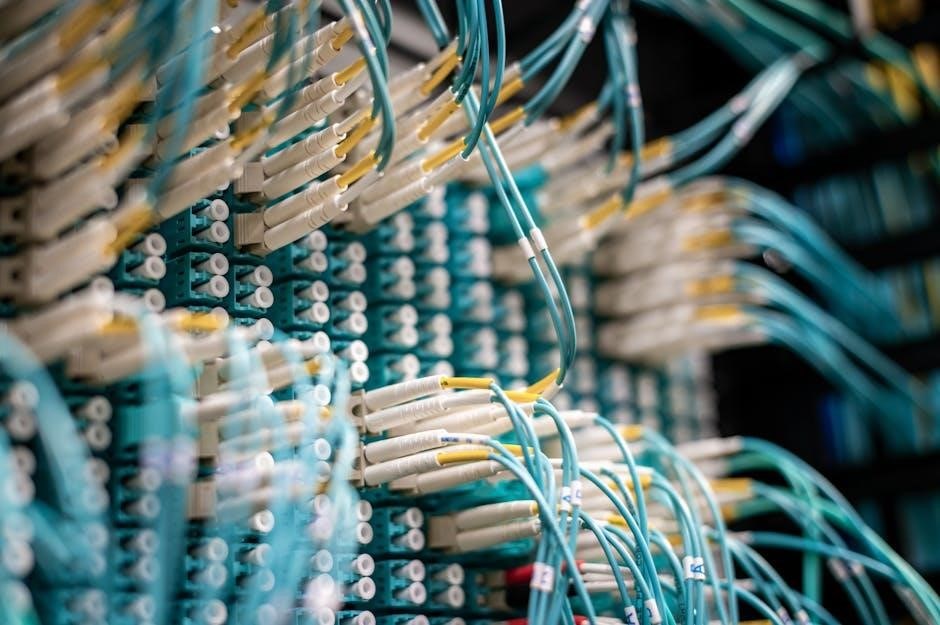
Ethernet speeds vary, from Fast Ethernet (100Mbps) to Gigabit Ethernet (1Gbps) and beyond, influencing data transfer rates. Cable category dictates maximum achievable speeds, impacting network performance.
Fast Ethernet (100BASE-T)
Fast Ethernet, also known as 100BASE-T, represents a significant upgrade over the original 10BASE-T Ethernet standard. It achieves a data transfer rate of up to 100 Megabits per second (Mbps), a substantial improvement for its time. This speed is facilitated by utilizing all four wire pairs within the Cat5 cable, unlike the original Ethernet which only used two.
100BASE-T operates over twisted-pair cabling, typically Category 5 or higher, and employs a more sophisticated signaling method. While still widely used, particularly in older installations or for less demanding applications, Fast Ethernet is gradually being superseded by Gigabit Ethernet due to the latter’s superior performance. However, it remains a cost-effective solution where extremely high bandwidth isn’t a necessity. Proper cable termination and testing are still vital for reliable 100BASE-T connections.
Gigabit Ethernet (1000BASE-T)
Gigabit Ethernet, or 1000BASE-T, dramatically increases network speed to 1 Gigabit per second (Gbps) – ten times faster than Fast Ethernet. This is achieved by utilizing all four wire pairs within the Cat5e or Cat6 cable simultaneously, employing more advanced signaling techniques. It’s the current standard for most home and business networks, providing ample bandwidth for demanding applications like streaming, online gaming, and large file transfers.
While compatible with older Ethernet standards, realizing Gigabit speeds requires compatible network cards, switches, and, crucially, cabling. Cat5e is generally sufficient for shorter distances, but Cat6 is recommended for longer runs to maintain signal integrity. Correct cable termination, following T568A or T568B standards, is paramount for reliable Gigabit performance. Testing with a cable tester is essential to verify connectivity and identify any wiring faults.
Beyond Gigabit: 10 Gigabit Ethernet and Higher
10 Gigabit Ethernet (10GBASE-T) pushes the boundaries of network speed to 10 Gbps, catering to data-intensive environments like server rooms and high-end workstations. Achieving these speeds necessitates Cat6a or Cat7 cabling, designed to minimize crosstalk and signal loss at higher frequencies. While 10GBASE-T can operate over existing Cat6 cabling for shorter distances, performance and reliability are significantly improved with the newer cable types.
Beyond 10 Gigabit, standards like 40 Gigabit Ethernet (40GBASE-T) and 100 Gigabit Ethernet (100GBASE-T) are emerging, demanding even more sophisticated cabling infrastructure – typically fiber optic cables. Proper termination becomes even more critical at these speeds, requiring specialized tools and expertise. These higher speeds are primarily used in data centers and large enterprise networks, supporting massive data throughput and low latency applications.